Code worked. That was the problem.
The Arduino IDE sketch had grown organically. Functions calling functions. Global variables everywhere. Typewriter protocol tangled with AI logic tangled with LED control. Everything connected to everything.
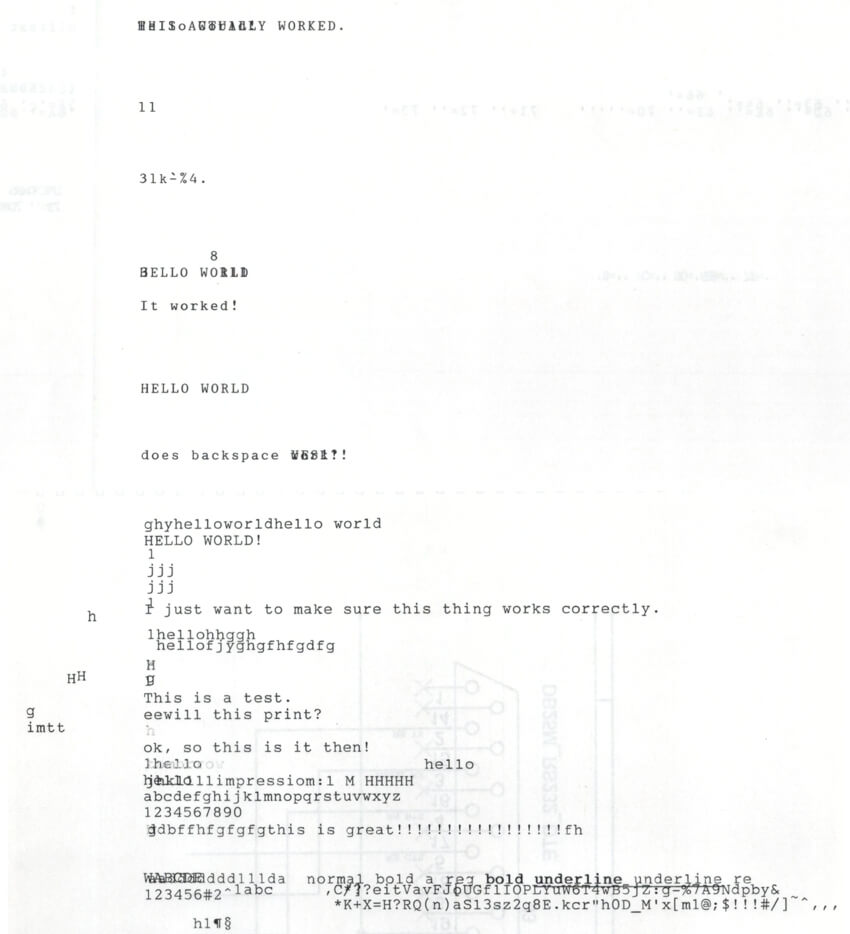
It printed AI responses. It had a name. It worked.
But the workflow was killing me.
Arduino IDE couldn't manage the ESP32-S3-N16R8 board settings cleanly. Is PlatformIO the answer? And coding with AI meant copy-pasting. Describe a problem to Claude or ChatGPT. Get code back. Paste it into the IDE. Test. Find the issue. Go back. Describe what happened. Get new code. Paste again, or worse, manually diff.
ChatGPT had built the captive portal in minutes. Getting those changes into the actual project took longer than writing them.
Tried Cursor first. AI-native IDE. Installed it. PlatformIO extension stuck on "Initializing". Turns out the official extension isn't on Cursor's marketplace. Downloaded the VSIX manually. Installed it. Needed another extension. Downloaded that one too. Wrong binary architecture.
Gave up on Cursor. Used PlatformIO from the terminal instead.
The migration itself took all evening. In a Claude.ai chat window. ZIP files back and forth. "Here's my source code". "Compilation failed, attaching the errors". Five rounds. Fixed the errors. Zipped it up again. Sent it back. That was the last time I worked that way.
The next morning, I installed Claude Code.
Read more →